
City of Santa Rosa
Reserve a City Facility
Planning a family reunion, community gathering, sporting event,
meeting, celebration, or other special event?
Complete the City of Santa Rosa Facility Use Agreement online.
Complete Online Facility Use Agreement →
Works on computers, smartphones, and tablets. No special software required.
Important:
Submitting the online Facility Use Agreement does not guarantee a reservation.
Reservations are first-come, first-served and are not final until approved
by the City and all applicable fees, deposits, insurance, and required
documentation have been received.
Using Your Phone?
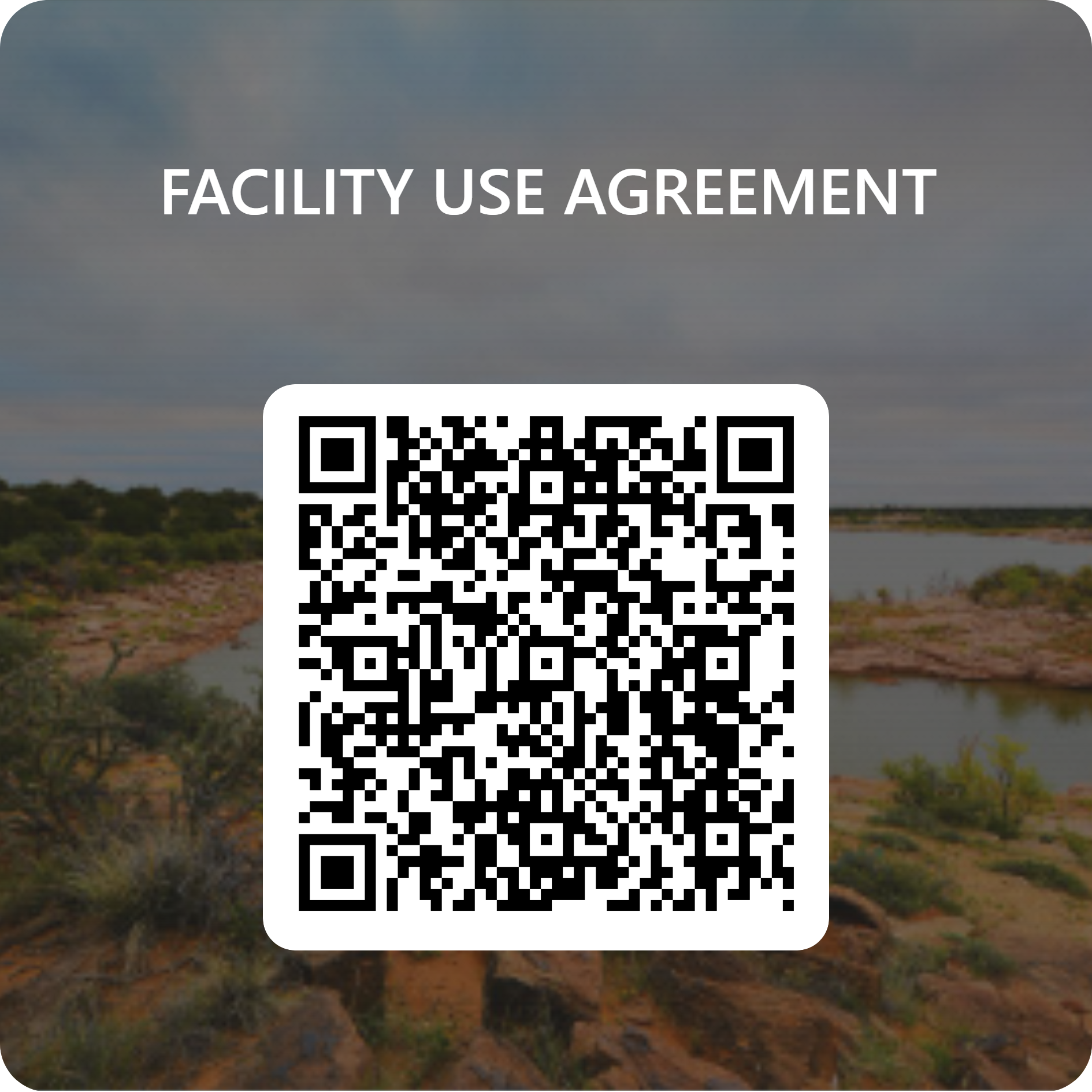
Scan the QR code below with your smartphone camera to open the Facility Use Agreement.
 Or Tap Here to Open the Form
Facilities Available for Reservation
- Park Lake — East and West Side
- Gutierrez Park
- Kiddie Land
- West Side Park
- Perch Lake
- Courtyard Gazebo
- Park Lake Field
- Softball Complex
- Multi-Use Facility
- BH Convention Center
- Ilfeld Warehouse
- Civic Center Room
- Gymnasium
Deposits, rental rates, amenities, and requirements vary by facility.
Please note:
Certain activities, alcohol use, special events, extended hours, or
other circumstances may require additional approval, permits, insurance,
or documentation.
What Happens After I Submit?
City Review
City staff reviews the information submitted with your request.
Availability & Requirements
Staff confirms availability and determines any applicable fees, deposits, insurance, permits, or additional requirements.
Final Approval
Your reservation is confirmed only after all requirements have been satisfied and the City provides approval.
Frequently Asked Questions
Does submitting the online form reserve my facility?
No. The online form submits your request to the City for review.
Your reservation is not final until the City approves the request
and all applicable requirements have been completed.
Do I need liability insurance?
Some events may require liability insurance naming the City of
Santa Rosa as an additional insured. City staff will let you know
if insurance is required for your event.
When are rental fees and deposits due?
Deposits and rental requirements vary depending on the facility
and event. Rental fees are generally due 10 business days before
the event.
Can I complete the agreement from my phone?
Yes. The online Facility Use Agreement can be completed using
a smartphone, tablet, Windows PC, or Mac.
Who should I contact if I need help?
Call City Hall at
(575) 472-3404
during regular business hours.